
01
Weekend presentation
Holiday photos
Personal projects
Your work, uninterrupted.
The presentation you started. The app you need. The file you forgot. Pick things up on the computer where you left them.
Axiom for teamsYour games, your photos, your everyday apps.
One secure connection. Right from your browser.

Your browserAuthenticated access
Encrypted connectionDirect when available
Home PCWindows host
PS C:\Projects> Get-ChildItem
Directory: C:\Projects
Mode Name
d---- website
d---- client-presentation
-a--- notes.txt
PS C:\Projects>
Maya is away for the weekend. Her photos, games, and unfinished presentation are at home. With Axiom, so is she.
The desktop you know. The apps you use. Open your home PC from a browser and make yourself comfortable.
Install the host app once on your Windows PC.The machine that does the heavy lifting stays put. Bring its apps, desktop, and games to the screen in front of you.
Explore remote gaming
Your browser. Your home PC.
Axiom finds the connection between them.
Install Axiom on the Windows PC you want to reach. Open Axiom in your browser and authenticate before starting a session.
The presentation you started. The app you need. The file you forgot. Pick things up on the computer where you left them.
Axiom for teamsKeep your library and the hardware that runs it at home. Explore a stream profile built for keyboard and mouse gaming.
Axiom for gamingGet back to the files and software on your home PC from a browser. There is no router configuration to bring along.
Axiom for studentsGive your team a way back to the machines they depend on. We are working with a limited number of teams on hands-on pilot deployments.
Getting started should be simple.
Here are the details.
Install the Axiom host app on the Windows PC you want to access. Once invited, open Axiom in a browser on another device and authenticate to your computer. Your desktop is streamed to the browser, and your keyboard and mouse input is sent back.
No port forwarding is required. Axiom uses a direct connection when your network allows it and a managed relay when it does not. You install the host app on the computer you want to reach; the viewing device only needs a supported browser.
Personal access is invite-only while we prepare early access. Join the waitlist for an invitation. Teams can book a demo to discuss a pilot deployment. Downloads and dashboard access are restricted during this stage.
Axiom brings desktop control, keyboard and mouse input, clipboard, audio, files, terminal access, and monitor switching into one session. The preview above shows illustrative sample content; it does not connect to a real computer.
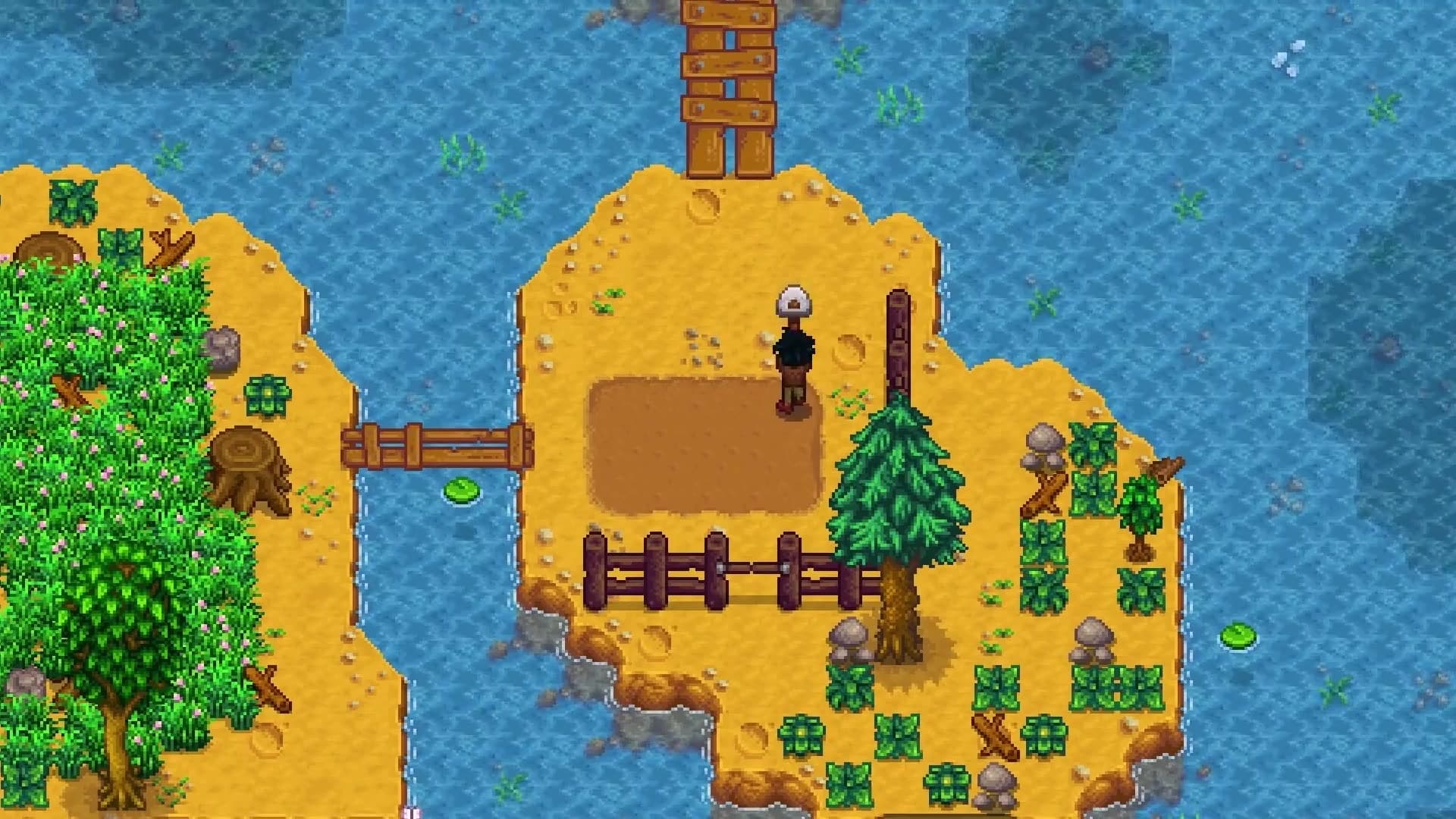
Axiom includes a gaming stream profile with GPU-encoded video and keyboard and mouse controls. Frame rate and responsiveness depend on the host hardware and network. Native controller support is on the early-access roadmap.
Get on the list for Axiom early access.
Request access