When Does Chrome Remote Desktop Fall Short?
What actually makes a remote desktop experience fall apart? Is it the connection dropping? The input lag? Or is it trying to make a general tool do a specialized job? Chrome Remote Desktop is great for those quick, casual checks — opening a document, replying to an email. It’s like taking a dirt path for a quick trip to the mailbox. But push it beyond that, into demanding tasks like gaming or serious creative work, or throw it at tricky network conditions, and you'll hit a wall. It’s a convenient, free tool, sure, but its basic design isn't built for the responsive, high-fidelity experiences that really make a difference. If you need more than just basic file access or a quick fix, you’ll probably find yourself needing something stronger, something built for performance and the features you actually use.
Is Chrome Remote Desktop truly built for performance-critical work?
CRD puts accessibility first, not raw power. It’s designed to work on anything, making it simple to use. That’s perfect for casual stuff, like checking an email or opening a document — you won’t even notice any slight lag or fuzzy picture. But for anything interactive, whether that’s video editing, CAD work, or playing games, the way it’s built often means you'll feel that input lag, and the screen won't update as fast as you need it to. This shows how expecting a smooth, responsive feel — like you're sitting right at your own PC — will likely lead to frustration. The feedback loop, what you see and how fast your actions register, just feels slow — like trying to drive a golf cart on the highway.
Gaming on CRD? You can technically do it, but let’s be honest, it’s usually not a great experience. The tool doesn't tap into your PC’s graphics card for encoding the video, and that’s a crucial step for getting smooth frames across the network. So, even if you’ve got a beast of a gaming PC, the stream can look choppy or pixelated, which makes playing anything competitive or graphically intense pretty much impossible. Axiom, though, aims for 1080p at 60fps in its gaming mode, specifically using your PC's graphics card for that encoding. This shows how a different design choice can create a much more responsive picture. For anyone serious about gaming remotely, this isn't just about seeing the game; it’s about actually playing it with the quality you expect.
Input lag is a big deal, too. CRD shoves your mouse and keyboard inputs into the same pipe as the video, and that just adds to the overall delay. When you need precise mouse moves or fast keyboard presses, this combined channel makes it feel like there’s a wall between your actions and what happens on screen. For you, the user, this means a delay that kills your precision and enjoyment, whether you’re a designer, an editor, or a gamer. Axiom handles this differently: it puts mouse and keyboard input on its own dedicated, low-latency channel, separate from other stuff like file transfers. This architectural choice tackles a core problem in making remote interaction feel truly 'local'.
How does network architecture impact connection reliability and speed?
CRD usually uses Google's relay servers to get you connected, which makes setup simple — no messing with port forwarding. That 'just works' approach is great for getting started. But, it also means all your data takes a detour through Google's servers. It’s like adding unnecessary detours to your road trip. This can add extra stops on the data's journey and create bottlenecks, depending on how your network is set up. For you, this means your connection quality can jump around, depending on how close you are to Google's servers and how busy they are. This shows how you might end up with slower file transfers or less stable sessions compared to a direct connection between your machines.
Strict networks are another headache. Think corporate Wi-Fi, university campuses, or hotel connections — network admins often block specific ports or protocols, making it a nightmare for most remote desktop tools to even connect. CRD usually gets by because it’s web-based, but it still relies on specific Google services that can get blocked. This shows how users in locked-down networks might find CRD unreliable or totally unusable, cutting off access when they need it most. Axiom takes a different route: it tries to connect your devices directly if the network allows. If it hits a wall — like those strict Wi-Fi setups, hotels, campuses, or CGNAT — it automatically switches to its own relay servers. This dual-path approach offers a lot more backbone and reliability, no matter what kind of network you're on.
CRD’s 'no port forwarding' convenience means you don't have to touch your router settings. That's a plus. But it also means CRD usually doesn’t give you the option for direct peer-to-peer connections, which can often deliver lower latency and enough upload headroom. If you’re chasing the absolute best performance, especially for tasks that chew through a lot of data, a direct connection really helps. This shows how CRD, while simple to set up, might not always give you the fastest network path. Axiom makes sure you never need port forwarding or router configuration, but it still tries for a direct connection when it can. It’s about finding that balance between easy setup and real performance. For example, in an informal test I ran (Windows gaming PC host, browser client on the same laptop, US mobile hotspot, July 2026), I saw about 10ms of extra latency when connected through a phone hotspot compared to my home Wi-Fi. This shows how network conditions, even with advanced tools, subtly change how a remote session feels.
What advanced features are missing for power users?
CRD gives you basic clipboard sharing and file transfer, which is fine for simple stuff. But it often misses the more robust features that professionals or enthusiasts really need. Take multi-monitor support: it can be pretty basic or just not there at all. This means if you use multiple screens for productivity or creative work, your whole workflow gets hammered. You’re stuck constantly switching between virtual desktops instead of seeing everything at once. Axiom, on the other hand, gives you full remote desktop features, including multi-monitor support. This shows how you can use your entire workstation setup, remotely, just like you’re sitting in front of it.
CRD has remote audio, but the quality and reliability can be a mixed bag. More importantly, it usually doesn't offer integrated terminal access, which is absolutely critical for developers, system administrators, or anyone who needs to run command-line commands on their host machine. This means technical users often have to fire up a separate SSH client or use some clunky graphical terminal, which just slows them down. Axiom includes terminal access as part of its full remote desktop features, making command-line operations smooth and direct within your remote session.
Beyond the basic mouse and keyboard, CRD often lacks support for specialized input devices. For things like gaming or creative software, not having support for game controllers or pressure-sensitive tablets is a big miss. This means certain activities just aren't possible or enjoyable remotely. A gamer can't use their favorite gamepad; a digital artist loses crucial input fidelity. Axiom has native controller support on its early-access roadmap, which shows a clear focus on supporting more input devices down the line. This addresses a real need for a more immersive and versatile remote experience.
When do commercial use and specialized tools become necessary?
Chrome Remote Desktop is meant for personal use, not for business. Google's terms of service make that clear. While some people might bend that for a quick, informal task, betting on it for business operations or client support is risky. You could face account suspension or even legal trouble. This shows how businesses, even small ones, need solutions with clear commercial licensing. That’s how you ensure compliance and reliability for your professional work. Competitors like TeamViewer and AnyDesk offer different tiers of licensing just for commercial use, which highlights the fact that dedicated business solutions are necessary.
Beyond CRD, the world of remote desktops offers tools built for specific jobs. Parsec, for instance, is like a specialized race car for gaming, known for its low-latency streaming and focus on that niche. Other solutions give you more advanced IT management features, like Wake-on-LAN or centralized user management, things CRD just doesn't have. This shows how as your needs grow past basic personal access, you'll find stronger, purpose-built tools that fit your specific requirements better, whether that's gaming, professional development, or IT support. If you want a deeper look at your options, you can read more about alternatives.
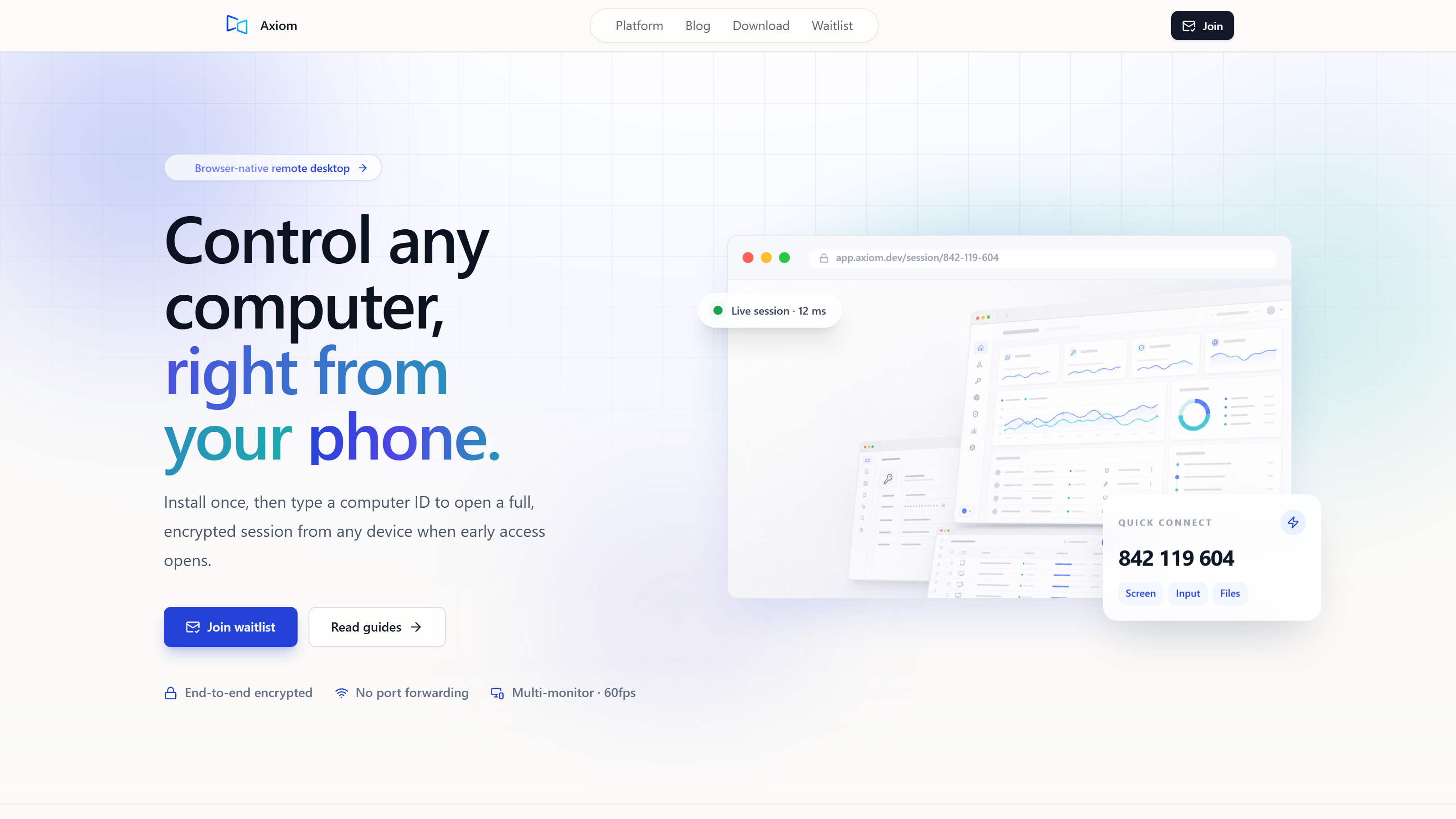
The real value of a dedicated product goes beyond just licensing. Free tools are appealing, sure, but dedicated remote desktop solutions usually pour resources into features, optimizations, and support that a free, general-purpose tool just can’t touch. This means things like advanced security protocols, granular control over performance settings, and quick customer support. For you, the technically curious user, this translates to a more reliable, secure, and customizable experience that can keep up as your demands change. Axiom, for example, installs once on your Windows PC and gives it a short numeric connect ID. You then connect from any modern browser by typing in that ID and your password — no app install needed on the device you're connecting from. Sessions are encrypted, and we’re planning a free tier for personal use, with early testers getting launch discounts. Final pricing isn't set in stone yet. This blog, by the way, is written by the founder, which shows how direct our connection is to the product's development.
Common questions
Is Chrome Remote Desktop secure enough?
CRD sessions are encrypted, which gives you a basic level of security for personal use. But for sensitive business data or if you need to meet specific compliance standards, you might want something with more transparent security audits or advanced features like multi-factor authentication, beyond what CRD usually offers.
Can I use Chrome Remote Desktop for gaming?
You can technically display a game, but CRD isn't built for gaming. Its general design often means you'll see noticeable input lag and a fuzzier picture, making it just not right for competitive or graphically intense games. Dedicated gaming remote desktop solutions give you a much better experience because they prioritize low-latency video and input.
What's the main benefit of paying for a remote desktop service?
Paid services usually give you better performance optimizations — think hardware encoding and dedicated input channels. You also get advanced features like multi-monitor support, solid file transfer, and terminal access, plus commercial licensing and dedicated support. These benefits add up to a more reliable, efficient, and professional remote experience compared to free, general-purpose tools.
Axiom
Thinking about a stronger remote desktop for your Windows PC?
Axiom Remote is in early access now, giving you a robust, browser-based solution for Windows PCs. Just because you weren't born with fiber internet doesn't mean there's no point trying — it just means you pick the tool that does the work for you. Join our waitlist to check out its advanced features and get early tester discounts.